 Sherwin Salemi
3D Printing Slicer
I've been tinkering with FDM 3D printers since 6th grade, when my family bought a Prusa i3 MK2 clone made of plastic which struggled to print a cube. Since then, I've grown quite comfortable writing GCode by hand and thought, "why don't I just make a slicer?"
I wrote this simple slicer in C++. It can:
- Generate valid GCode for a Prusa i3 MK3
- Compute slices from an OBJ file
- Offset loops to create multiple perimeters
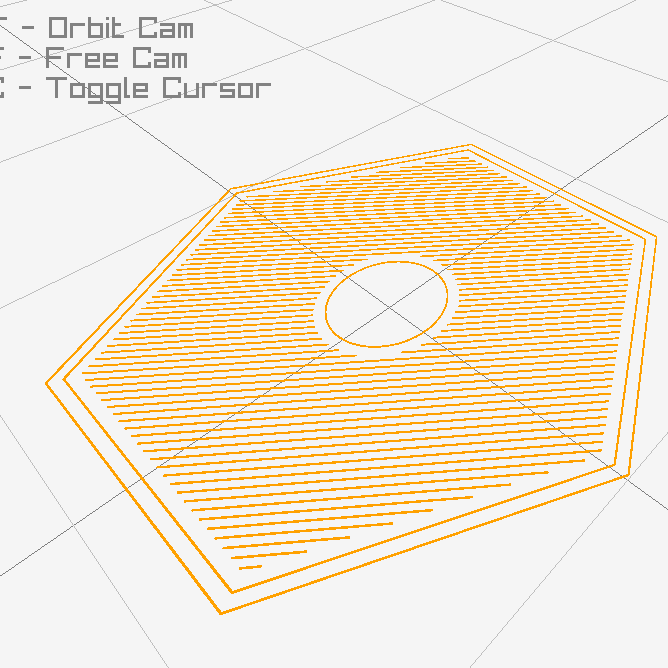
- Generate rectilinear infill, including for layers with holes
- Add Z-hops
- Visualize GCode with a 3D viewer made with Raylib
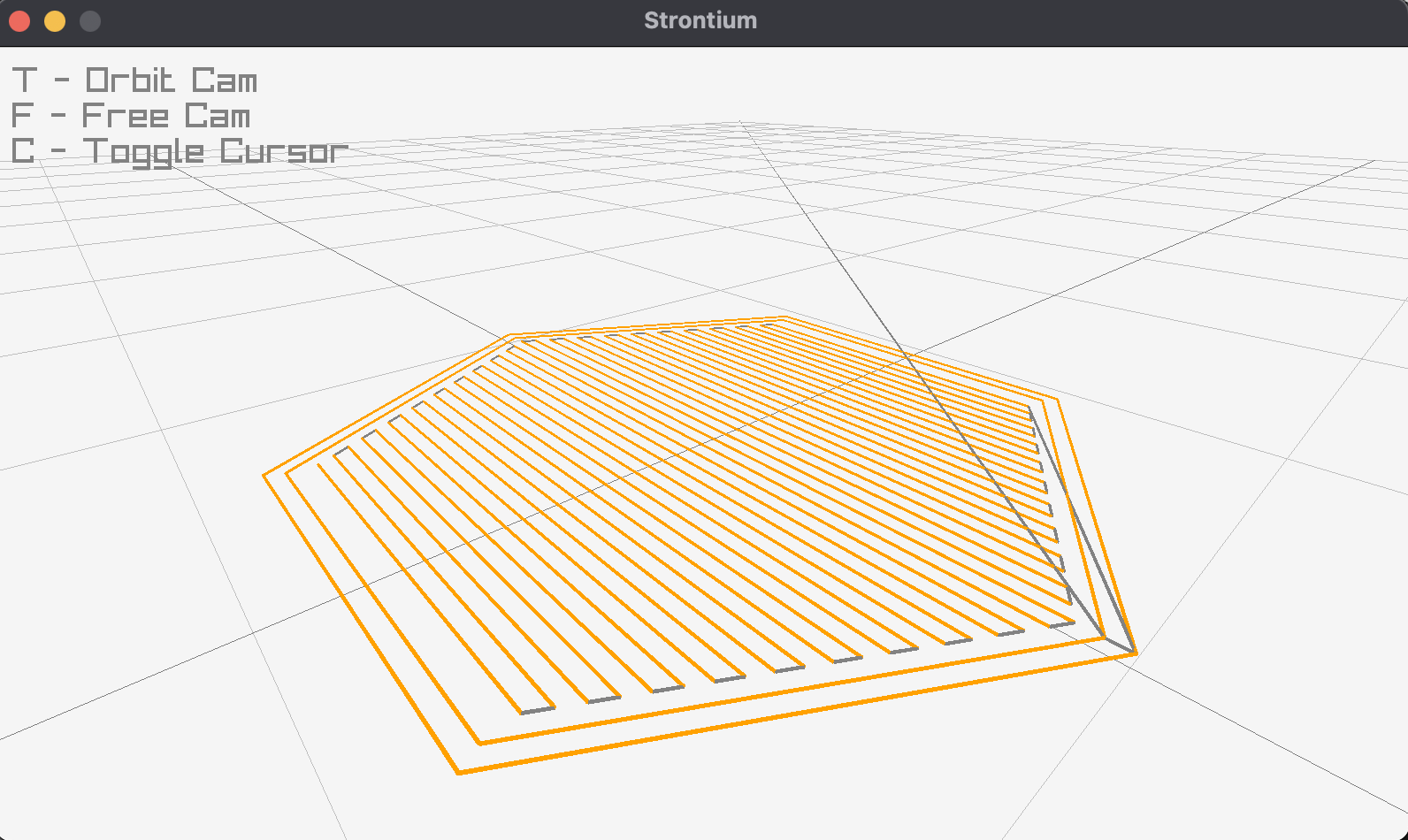
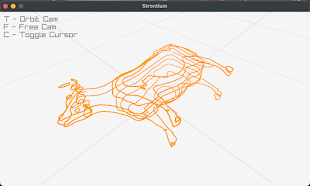
It also can be used to generate GCode manually from C++ code, which can be really useful for printing parts with many intersecting thin walls that would be a pain to CAD and slice normally. Here is some example code to directly generate printable GCode
GCodeEmitter g(0.4f, 0.4f, 0.3f); // nozzleDiameter, extrusionWidth, and layerHeight

g.StartFile("cow.gcode");
for (int i = 0; i < 10; i++)
{
    g.TravelTo(V2(10,10));
    g.ExtrudeTo(V2(20,10));
    g.ExtrudeTo(V2(20,20));
    g.NextLayer();
}
g.EndFile();
The offset and infill features work like this:
Contour perimeter;
perimeter.points.push_back(V2(0,0));
perimeter.points.push_back(V2(5,0));
perimeter.points.push_back(V2(5,5));
perimeter.points.push_back(V2(0,5));

g.ExtrudeContour(perimeter);

Contour innerPerimeter = perimeter.offset(-0.4);
Contour infillEdge = perimeter.offset(-0.8);

g.ExtrudeContour(innerPerimeter);
std::vector inners; // For this example, this vector remains empty
RectilinearFill(g, infillEdge, inners);

// If the part had holes in the layer, the outline of those holes would be part
// of the inners vector to create a gap in the infill

Sherwin Salemi